
Set up your promoter page
Your promoter page is one link for everything you run. Set it up under Promoter Profile.
Your logo. Press the circle to add one. On the web you can also drop an image on it.
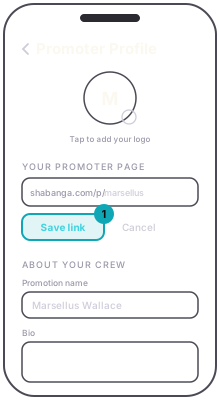
Your promoter page. Type the address you want after shabanga.com/p/ and save it. View page opens it.
App
Web
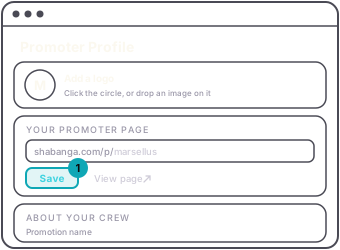
About your crew. The Promotion name is shown publicly on your page and event listings instead of your account name. Add a short bio, your Instagram and your Facebook, then press Save.
The page lists your upcoming events with the date and venue. A series shows as one row that opens the whole run. Put the link in your bio, on flyers, anywhere people look for you.
Guest
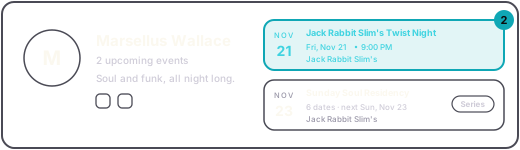
AppAccount tab › Promoter Profile › Your promoter page › Save link. About your crew › SaveWebDashboard › Promoter Profile › Your promoter page › Save › View page. About your crew › SaveGuestshabanga.com/p/your-name shows your logo, bio and links, and lists your upcoming events.